使用acme生成域名证书可解决浏览器证书报错问题
1.安装acme
1
| curl https://get.acme.sh | sh -s email=my@example.com
|
2.申请证书
阿里
1
2
3
4
| export Ali_Key="aaa"
export Ali_Secret="bbb"
acme.sh --renew --issue --insecure --dns dns_ali -d yumu799.fun -d *.yumu799.fun
|
腾讯(使用DNSPod)
1
2
3
4
5
|
export DP_Id="123456"
export DP_Key="xxxxxxxxxx"

acme.sh --renew --issue --insecure --dns dns_dp -d copilot799.asia -d *.copilot799.asia
|
Cloudflare
1
2
3
4
|
export CF_Token="aaa"

acme.sh --renew --issue --insecure --dns dns_cf -d copilot-yumu.shop -d *.copilot-yumu.shop
|
其他更多
https://github.com/acmesh-official/acme.sh/wiki/dnsapi
手动认证
1
2
3
4
5
| ./acme.sh --issue --dns -d sxz799.fun -d *.sxz799.fun --yes-I-know-dns-manual-mode-enough-go-ahead-please
// 中间要根据提示 配置一个_acme-challenge.sxz799.fun的TXT记录
./acme.sh --renew --dns -d sxz799.fun -d *.sxz799.fun --yes-I-know-dns-manual-mode-enough-go-ahead-please
|
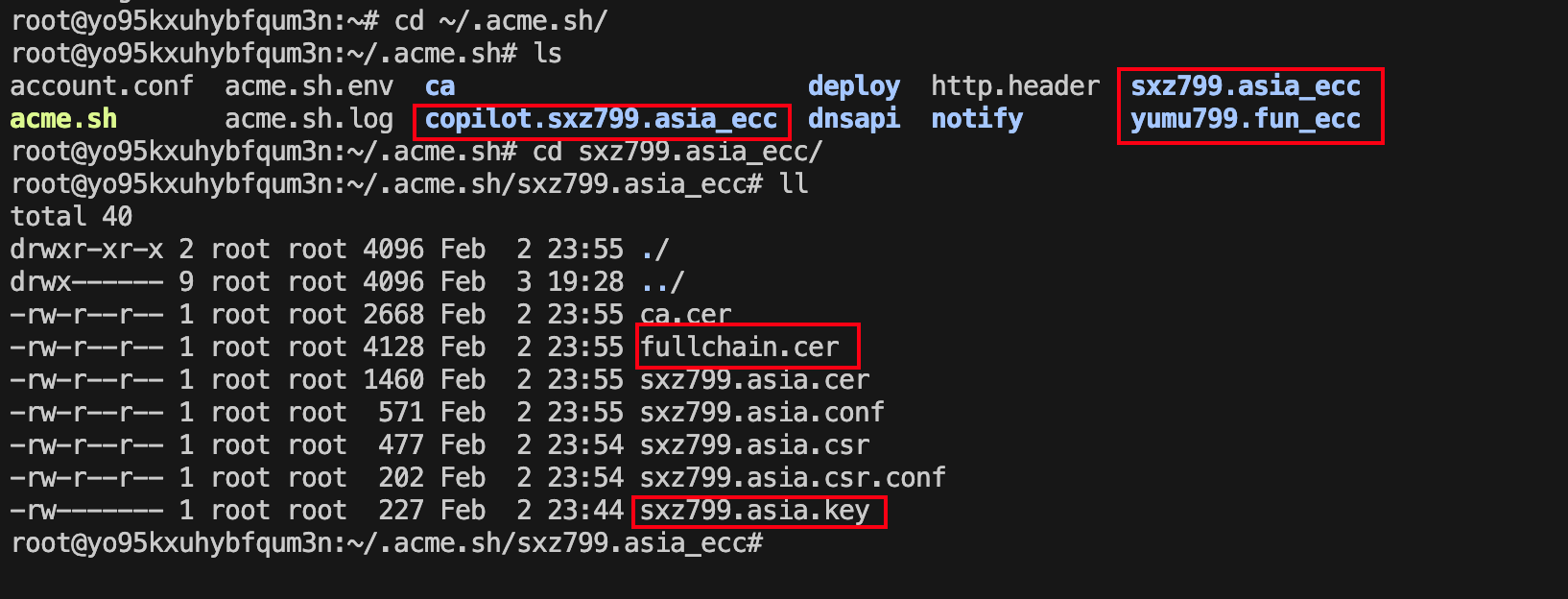
3.使用证书